
This manual provides an introduction to the basic functions and operation of your phone, helping you to quickly become familiar with it and start using it.
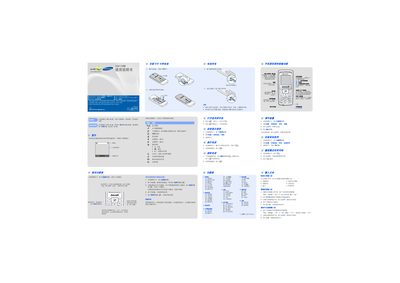
This manual provides step‑by‑step instructions for using the Samsung SGH‑C288 handset. It explains how to insert the SIM card and battery, navigate the menu with the four‑direction keys, make and receive calls, send messages, and use the built‑in WAP browser and various input methods.
Safety guidelines, battery specifications, and recommended accessories are also included. The document notes that the phone does not support USB data transfer, only charging, and stresses proper handling to avoid damage or hazards. This manual is written in Chinese.
| Talk time (max) | 65 hours |
|---|---|
| Standby time (max) | 320 hours |
| USB support | Charging only, no data transfer |
No. The phone does not support USB data connection; the USB cable is for charging only.
In standby mode, press and hold the designated soft key (marked as “静音”) to enter quiet mode; press it again to exit.
From the standby screen, press the menu key, select Settings → Language, and choose the desired language.