
This document is a user manual for the Samsung mobile phone SGH-C458, which introduces the main functions of the phone, the method of installing SIM card and battery, as well as the diagram and functions of the phone buttons.
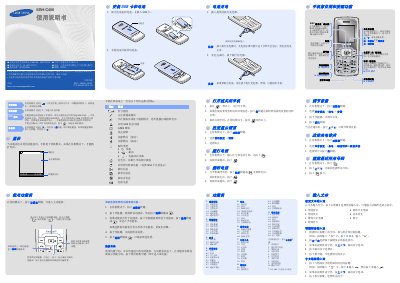
This manual provides step‑by‑step instructions for setting up the Samsung SGH‑C458 mobile phone, including SIM card insertion, battery installation, and charging procedures. It also describes the key layout, navigation through the function menu, and how to use core features such as calls, messaging, and the camera.
Safety and environmental information are covered, with details on SOS mode, battery life limits, and proper disposal. Technical specifications such as battery capacity, talk time, and standby time are listed for quick reference. This manual is written in Chinese.
| Battery capacity | 750 mAh |
|---|---|
| Maximum talk time | 6.0 hours |
| Maximum standby time | 370 hours |
| Radio type approval ID | 2007CP1934 |
Remove the battery cover and battery, insert the SIM card, then reinstall the battery and cover.
Connect the provided travel charger to the phone; the charging indicator may take up to five minutes to appear.
The phone provides up to 6.0 hours of talk time on a full charge.
When the keyboard is locked, press the C key four times to send an SOS message to the preset number.