
IntelliVue XDS Application is a set of Windows-based PC applications that can be used in MX series patient monitors, built-in PCs (iPCs), IntelliVue XDS bedside devices, or other PCs. The application includes four components: XDS Remote Display, XDS LaunchPad, XDS Printing Service, and XDS Infrastructure Service. Users can remotely operate patient monitors, view screens, launch other applications, and perform other functions through these components.
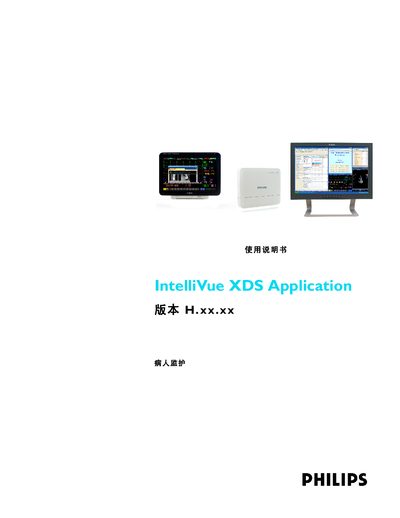
The guide provides step‑by‑step instructions for installing and configuring the IntelliVue XDS Application suite. It describes each component—Remote Display, LaunchPad, Printing Service, and Infrastructure Service—and explains how they work together in a clinical environment.
Regulatory and compliance information is included, along with copyright details for Philips Medical Systems in Boeblingen, Germany. The document is intended for system integrators and clinical engineers responsible for setting up the XDS system.
The application includes Remote Display, LaunchPad, Printing Service, and Infrastructure Service.