
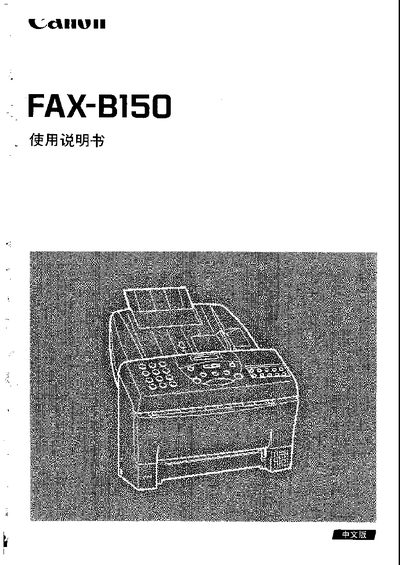
This manual explains how to set up and operate the Canon FAX‑B150 fax machine, covering basic functions such as sending, receiving, and printing documents. It also details the control panel layout and the steps needed to configure the device for everyday use.
Additional sections cover safety precautions, connection methods, maintenance procedures, and troubleshooting tips, helping users keep the fax machine in reliable condition and resolve common issues. This manual is written in Japanese.
| Print resolution | 360 x 360 dpi |
|---|---|
| Operating temperature range | 10 °C to 32.5 °C |
Press the cancel button on the control panel to stop any current operation.
Turn off the power, disconnect the power cord, and remove any attached cables before moving the unit.