
The Canon MP259 all-in-one printer user guide provides setup, ink cartridge installation, paper loading, and maintenance instructions in Chinese.
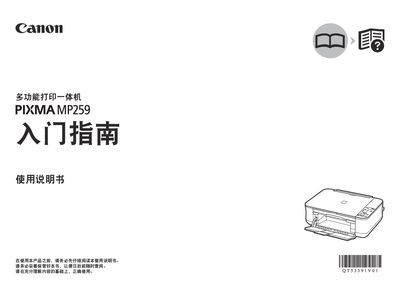
This manual walks you through the initial setup of the Canon MP259 multifunction printer, including removing protective tape, connecting power and USB cables, and installing the supplied FINE ink cartridges. Detailed steps for loading paper, configuring the printer software on Windows or Mac, and using the Solution Menu for photo printing are also covered.
The guide lists the minimum system requirements, interface specifications, and physical dimensions of the device. A maintenance section explains how to clean the printer and replace consumables, while the specifications table provides print resolution, power consumption, and scanning capabilities. This manual is written in Chinese.
| Print resolution | 4800×1200 dpi |
|---|---|
| Interface | Hi-Speed USB |
| Power supply | AC 100‑240V, 50/60 Hz |
| Dimensions | 17.5×13.1×6.1 in (445×333×155 mm) |
| Weight | 5.8 kg |
| Maximum scan resolution | 600×1200 dpi (optical) |
The printer uses a Hi‑Speed USB (USB 2.0) port, which is backward compatible with USB 1.1.