
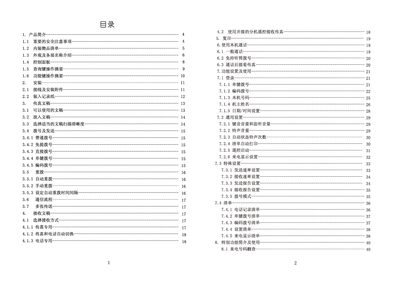
This manual covers safety precautions, unpacking, and identification of the fax machine's exterior and control panel. It explains how to connect power and telephone lines, install thermal paper, and load documents for transmission.
Detailed sections describe dialing methods, automatic redial settings, document scanning resolutions, and troubleshooting steps for common issues such as paper jams, power problems, and poor image quality. This manual is written in Chinese.
| Operating voltage | 220V AC 3.15A 50Hz |
|---|---|
| Scanning method | CIS contact image sensor |
| Maximum resolution | 8 × 15.4 dots/mm |
Open the paper‑roll cover, remove the jammed portion, cut off any torn paper, and reinstall the roll.
Enter the desired interval with the numeric keys; the factory default is 44 seconds and it can be adjusted between 0 and 198 seconds.
The fax machine accepts A4, B5, and North‑American Legal/Letter sizes, with a maximum original width of 216 mm.