
This is the user manual for Panasonic KX-FP711TW fax machine, which mainly introduces the product's safety operating instructions, power and ground connection, installation, safety measures during operation, installation and rewiring.
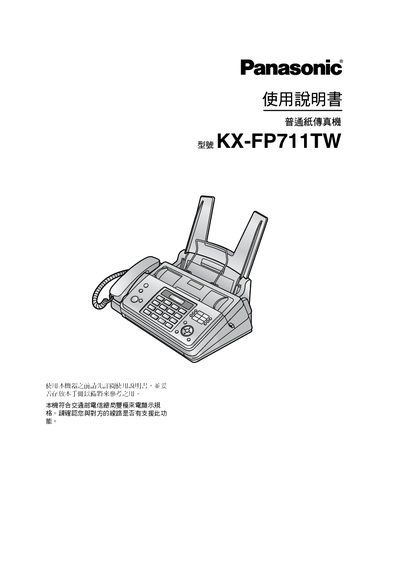
This manual covers everything needed to install and use the Panasonic KX-FP711TW fax machine, including safety precautions, wiring, and initial configuration. It explains the control panel, button functions, and how to set up the fax, phone, and copy features.
Additional sections describe routine maintenance such as cleaning the scanner glass, replacing the transfer belt, and troubleshooting common error messages. The document also includes specifications, accessories, and an index for quick reference. This manual is written in Chinese.
| Print capacity (supplied paper) | ≈ 30 sheets A4 |
|---|---|
| Replacement transfer belt length | 70 m (≈ 210 sheets A4) |
Unplug the machine from the power outlet before cleaning.
Insert the blue gear of the belt into the front‑left slot and the white gear into the rear‑left slot, then rotate the blue gear until the belt is tensioned.