
This manual explains how to use the Philips CED228 car audio system. It covers safety, system settings, playback, and radio listening.
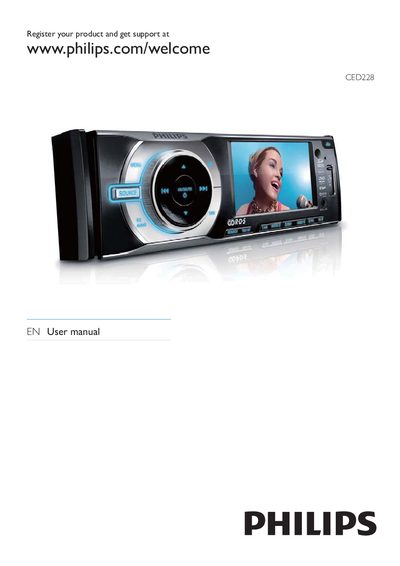
This manual covers the Philips CED228 in‑car audio system, including hardware overview, remote control functions, and how to install the unit in a vehicle. It explains safety precautions, power requirements, and basic operation such as playing discs, using USB/SD cards, and listening to FM/AM radio.
Additional sections describe how to adjust video and audio settings, replace the fuse, reset the unit, and troubleshoot common issues like disc errors, video problems, and radio reception.
| Power supply | 12 V DC (negative ground) |
|---|---|
| Fuse rating | 15 A |
The unit operates on a 12 V DC supply with a negative ground (earth) connection.
Replace a broken fuse with a 15 A fuse.
Register the product at www.philips.com/welcome.
Select the RESET function in the menu to restore default settings.