
This document is the Quick Start Guide for CED228 ENG, which provides an overview of the supplier parts needed to connect and install the unit, as well as the steps for connecting wires.
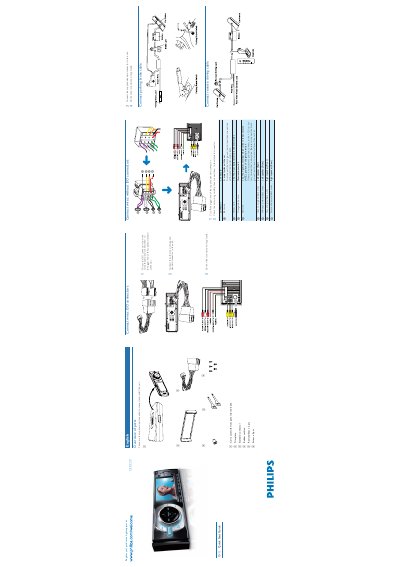
This guide covers everything needed to install the CED228 car DVD player, including parts overview, wiring connections, and mounting the unit in the dashboard. It explains how to attach the front panel, secure the unit within a 20° horizontal limit, and verify all connections before use.
It also describes basic operation such as powering on the unit, setting the clock, tuning radio stations, playing DVDs, and using USB or SD/MMC cards. Instructions for detaching the front panel for theft protection are included as well.
| Power Supply | +12 V (ground, battery live, ACC position) |
|---|---|
| Dimensions | 183 mm × 52 mm × 4.75‑5.56 mm |
Press MENU, navigate to SETTINGS → SYSTEM → TIME MODE, select 12‑hour or 24‑hour mode, then go to TIME ADJUST to set the desired time.
Open the front panel, insert the disc label side up into the disc slot, close the panel and playback will resume from the last stopped point.