
The Philips CD player M4500 has 4 play modes, DBB bass boost function, sound feedback function (beep), program programming and check function, battery power saving function and electronic skip protection function (ESP).
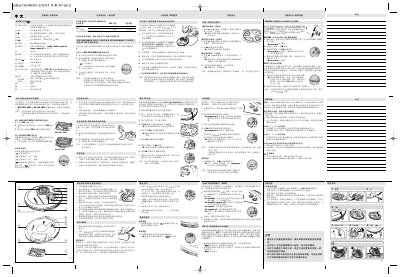
This manual explains how to install batteries, connect power adapters, and operate the Philips laser gramophone. It covers basic controls, volume, bass boost, playback modes, track programming, and ESP (Electronic Skip Protection) features.
Additional sections describe environmental disposal, car‑installation using a voltage converter, and detailed troubleshooting steps for common issues such as no sound, disc errors, and button lock‑out. This manual is written in Chinese.
| Supported batteries | AAA (LR03, UM4) or AA (LR6, UM3) alkaline batteries |
|---|---|
| Battery runtime – AA alkaline | 15 h normal / 20 h with ESP |
| Battery runtime – AAA alkaline | 7 h normal / 9 h with ESP |
| Power adapter model | AY 3170, 4.5 V DC, 300 mA, centre‑positive |
| External power input | 4.5 V DC jack |
Open the battery cover, insert two AAA or two AA batteries as shown on the cover, then close the cover.
Slide the switch to the ESP ON position; the ESP indicator will appear on the display.
Yes, connect a Philips AY3545 or AY3548 car voltage converter (4.5 V DC) to the cigarette‑lighter socket and then to the device’s 4.5 V DC jack.
Up to 30 tracks can be stored in a single program.