
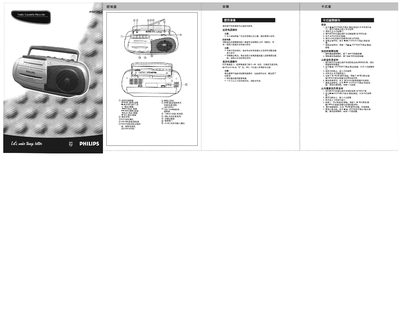
This manual explains how to prepare the Philips AQ4130 cassette recorder for use, including connecting the AC adapter or installing D‑type batteries. It covers the functions of the control buttons, volume, tuning, and band selection for AM, short‑wave and FM reception.\n\nInstructions are provided for cassette handling, playback, fast‑forward, rewind, and recording from both the built‑in microphone and an external antenna. The guide also includes maintenance tips, cleaning procedures, and troubleshooting steps for common problems such as no sound, weak antenna signal, or tape issues. This manual is written in Chinese.
| Battery type | D‑type (HP2, R20) |
|---|---|
| Supported bands | MW, SW, FM |
| Power source | External AC adapter |
Connect the supplied AC power cord to the AC IN socket and plug the other end into a household outlet.
Set the FUNCTION switch to TAPE, press PAUSE, then press REC; the PLAY button also starts recording.
The device will automatically stop and release the button when the tape reaches its end.