
This document describes the charging and connecting operations of the ARCHOS music player, as well as the music playback functionality. It also mentions some troubleshooting methods.
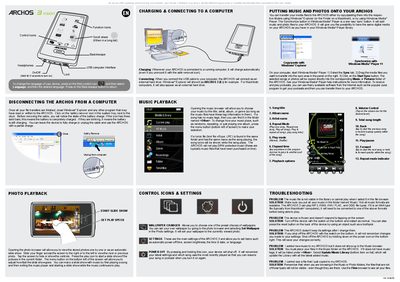
The Archos 3 Vision is a portable media player with touch controls, function icons, and a scroll wheel for navigation. It supports photo and music playback, slide shows, wallpaper changes, and various settings such as language, power‑off timer, and screen brightness.
The device charges automatically when connected to a computer and appears as an external hard drive (e.g., ARCHOS 3 (E:)). The manual covers safe removal, file transfer methods, supported audio formats, and troubleshooting steps for common issues like frozen screens or missing files.
| Battery charge indicator | Three solid bars = fully charged; blinking bars = charging |
|---|