
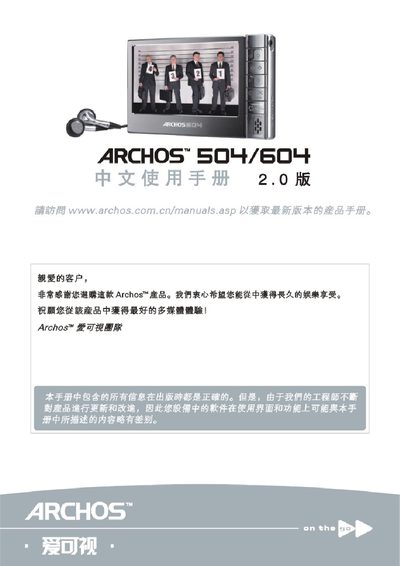
This manual introduces the Archos 504/604, describing its hardware layout, button functions, and available interfaces such as USB, AV output, and optional DVR adapter. It guides users through basic operations like video playback, audio recording, photo viewing, web browsing, and connecting the device to a computer.
Additional sections cover screen and language settings, optional features, battery charging and replacement, maintenance tips, and technical support information. The document also lists technical specifications such as dimensions, weight, and supported file formats. This manual is written in Chinese.
| Dimensions (small size) | 130 mm × 78 mm × 16 mm |
|---|---|
| Weight (small size) | 250 g |
| Dimensions (large size) | 130 mm × 78 mm × 23 mm |
| Weight (large size) | 310 g |
| Supported USB mode | USB MSC mass‑storage class |
Press and hold the power button for about 15 seconds to force a reset.
From the main screen open the Setup menu, select the language icon, and use the navigation buttons to choose a language; the setting is saved automatically.
The package contains the Archos device, USB cable, headphones, protective bag, and a quick‑start guide.