
This document provides instructions on charging and connecting ARCHOS products to a computer, and reminds users to register their products for technical support.
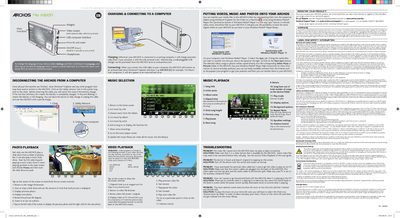
This guide covers the basic operation of the Archos 43 Vision portable media player. It explains how to change the device language, connect the unit to a computer via USB, charge the built‑in lithium‑ion battery, and use the micro‑SD card slot.
Detailed sections describe photo, music and video playback, supported file formats, how to copy media using Windows Explorer or Windows Media Player, and troubleshooting steps for common issues such as video playback problems or a frozen screen.
| Card slot | Micro‑SD |
|---|---|
| USB interface | USB computer interface |
Select Settings, scroll down to Language, tap the desired language twice, and confirm with the check mark.
Close all programs that use the device, click the safe‑remove icon in the system tray, then unplug the USB cable.
Copy or paste the files into the appropriate folders (Video, Music, Pictures) using Windows Explorer or the Finder on a Mac, or use the Sync function in Windows Media Player.