
This document is a troubleshooting guide for charging and connecting the ARCHOS device to a computer. It provides solutions for common issues such as no sound when playing music and the device not turning on.
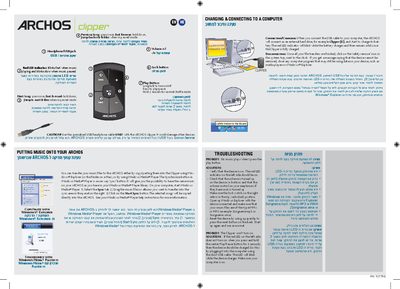
The Archos Clipper is a portable media player that stores and plays music files. This manual explains how to load music, charge the device, and use its playback controls.
Key sections cover copying music via Windows Explorer or Windows Media Player, connecting the device to a computer for charging, and troubleshooting common issues such as no sound or the device not turning on.
| USB/headphone cable | Specialized cable only for Archos Clipper |
|---|
Connect the USB cable to a computer; the device appears as an external drive and the red LED blinks while the battery charges, becoming solid when fully charged.