
Key facts
- Brand
- Archos
- Model
- 3 Vision
- Category
- Other Electronics
- Documents
- 2
- Languages
- EN
- Last added
- 2012-03-27
Start here
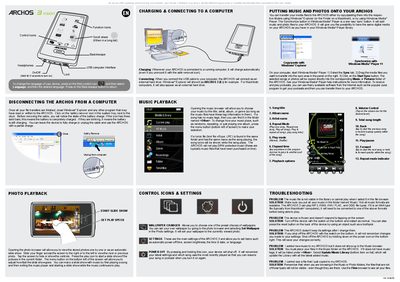
Archos 3 Vision User Manual
The Archos 3 Vision is a portable media player with touch controls, function icons, and a scroll wheel for navigation. It supports photo and music playback, slide shows, wallpaper changes, and various settings such as language, power‑off timer, and screen brightness.
The device charges automatically when connected to a computer and appears as an external hard drive (e.g., ARCHOS 3 (E:)). The manual covers safe removal, file transfer methods, supported audio formats, and troubleshooting steps for common issues like frozen screens or missing files.
All Archos 3 Vision documents by type
Day-to-day operation, settings and troubleshooting. Start here if the product is already set up.
Questions answered in these manuals
How do I change the language on the Archos device?
Select Settings, scroll down to Language, tap the desired language twice, and confirm with the check mark.
How can I safely remove the Archos from a computer?
Close all programs that use the device, click the safe‑remove icon in the system tray, then unplug the USB cable.