
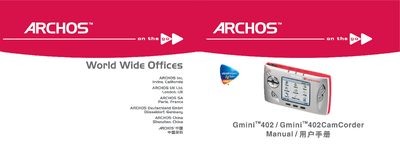
This manual covers the Archos Gmini 402 portable multimedia player, which also functions as a camcorder. It describes the device’s hardware features, supported media formats, and basic operation such as playback of music, videos, photos, and games.
The guide walks users through initial setup, battery charging, language selection, button functions, USB connectivity, recording video and photos, managing files, firmware upgrades, and troubleshooting common issues. Technical specifications and legal information are included in the appendices. This manual is written in Chinese.
| Photo resolution | 1.2 MP |
|---|---|
| Video resolution | 640 × 480 (VGA) |
| Image sensor | CCD |
| Video file format | MPEG‑4 SP (VGA) |
| Lens focal length | 4.63 mm |
| Depth of field | 1.5 m to infinity |
| White balance settings | Auto, Daylight, Cloudy, Fluorescent, Tungsten |
| Digital zoom | 2× |
| Video recording battery life | Up to 2 hours |
| Music playback battery life | Up to 10 hours |
Open the Setup menu, go to Display, highlight Language, and use the RIGHT or LEFT button to select the desired language.
The battery can power MP3 playback for up to 10 hours.
Press F2 to adjust settings, then press ENTER to start recording; press STOP/ESC to stop and save the video.