
This is a Philips phone speaker manual, which supports Android system, and can play music through Bluetooth connection to the speaker, or through the Fidelio app on the phone to automatically connect the speaker to play music, and can also install music through the Songbird app on the phone, and can also listen to internet radio through the speaker, set sleep timer and alarm timer.
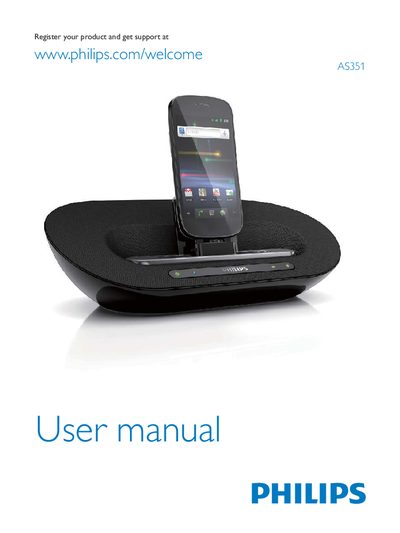
This manual introduces the Philips AS351 docking speaker, a Bluetooth‑enabled speaker that also charges Android devices via a micro‑USB connector. It outlines the contents of the box, describes the main unit, and explains the basic functions such as volume control, power socket, and battery compartment.
The guide walks you through safety precautions, battery installation, power connection, Bluetooth pairing, use of the Philips Fidelio and Songbird apps, and additional features like internet radio, sleep and alarm timers. It finishes with product specifications, disposal information, and a troubleshooting section for common issues such as no power or sound problems.
| Battery type | 4 AA alkaline batteries |
|---|
Connect the Android device to the speaker’s micro‑USB connector using a USB cable while the speaker is powered on.