
This document is the user manual of Philips MCD263. It introduces the features and usage methods of the product.
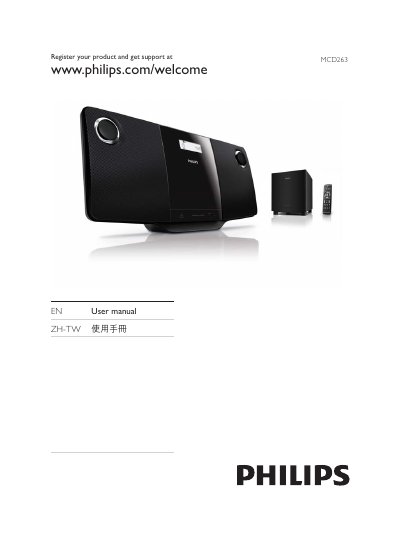
This manual introduces the Philips MCD263 DVD Micro Theater, describing the contents of the box, the main unit, subwoofer, remote control and required accessories. It guides you through connecting the unit to a TV, subwoofer and power source, as well as registering the product for support.
The guide covers basic operation such as playing DVDs, USB media, adjusting audio and video settings, using FM radio, and troubleshooting common issues. It also includes safety information, wall‑mounting instructions, and specifications for power, supported disc formats and region codes. This manual is written in Chinese.
| Power supply voltage | 100 V–240 V |
|---|
Visit the Philips registration page at www.philips.com/welcome and follow the on‑screen instructions.
Use the supplied wall‑mounting instruction sheet, the provided screws and dowels, and have qualified personnel perform the installation.
Enter the system menu and select the clock option to set the time and date.