
This manual introduces the basic functions of the Philips DVP3600 DVD player, including connection, playback, and settings.
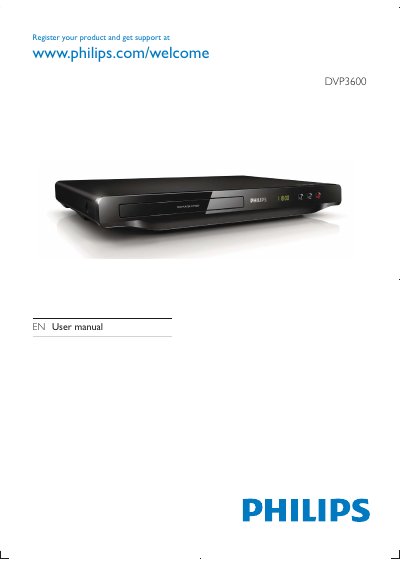
This manual explains how to register your Philips DVP3600 DVD player, connect it to TV and audio equipment, and use basic playback functions such as play, pause, stop, and navigation. It also covers video options, subtitle and audio language selection, and how to create a musical slideshow.
Further sections describe how to change picture and sound settings, update the software, and troubleshoot common issues. Safety guidelines include warnings about electric shock, liquid exposure, and proper disposal of batteries.
| Playable media | DVD, DVD‑Video, VCD, SVCD, Audio CD, DVD+R/+RW, DVD‑R/‑RW, DVD+R/‑R DL (Dual Layer), CD‑R/‑RW |
|---|---|
| Video formats | MPEG 1, MPEG 2 |
| Audio formats | .mp3, .wma |
| Composite video output | 1 Vp‑p (75 Ω) |
| Component video output | 0.7 Vp‑p (75 Ω) |
| Audio Front L&R output | 2 Vrms (47 kΩ) |
| Dimensions (W × H × D) | 310 × 39 × 203 mm |
| Net weight | 1.35 kg |
You can register the product at www.philips.com/welcome.
Press the SUBTITLE button on the remote to choose a subtitle language.
It supports MPEG 1 and MPEG 2 video formats.