
This document is a quick start guide for Philips DVP3600. It mainly introduces the installation, use and precautions of the product.
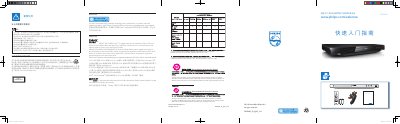
This guide introduces the Philips DVP3600 DVD player, covering product registration, safety precautions, environmental protection information, and laser safety warnings. It explains how to register the device at www.philips.com/welcome and outlines proper ventilation, handling of heat sources, and disposal of the product and batteries.
The manual also details connection methods to a TV, supported media formats, audio‑video specifications, and how to copy audio tracks to a USB drive using the Create MP3 function. Technical specifications such as power consumption, dimensions, weight, and laser characteristics are listed for reference. This manual is written in Chinese.
| Supported video formats | .avi, .divx, .mp4, .xvid |
|---|---|
| Supported audio formats | .mp3, .wma |
| Supported disc types | DVD, DVD‑Video, VCD, SVCD, audio CD, DVD+R/‑RW, DVD‑R/‑RW, DVD+R/‑R DL, CD‑R/‑RW |
| Standby power consumption | 0.5 W |
| Dimensions (W×H×D) | 310 mm × 39 mm × 203 mm |
| Net weight | 1.35 kg |
| Laser wavelength (DVD) | 658 nm |
| Laser output power (DVD) | 7.0 mW |
Visit the registration page at www.philips.com/welcome to register the product and obtain support.
Leave at least 4 inches of space around the player to ensure proper ventilation.
Insert the audio disc, connect a USB drive, open the main menu, select the Create MP3 icon, and follow the on‑screen instructions.
MP3 files can be encoded at bitrates from 8 kbps up to 320 kbps.