
This is a DVP3810 user manual, which introduces product features and characteristics, including usage methods, safety information, etc.
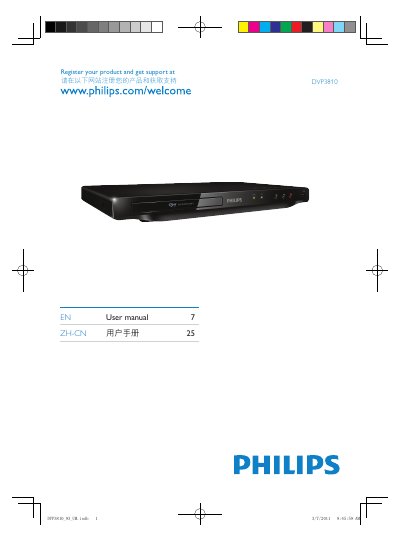
This manual explains how to set up and operate the Philips DVP3810 DVD player. It includes safety guidelines, product registration instructions, and detailed descriptions of the available connectors and supported media formats.
The guide covers video and audio outputs, digital I/O ports, USB and disc playback options, as well as environmental compliance information. Users can find step‑by‑step instructions for connecting the device to a TV, configuring audio, and using USB or CD media.
| Video Output | VIDEO OUT |
|---|---|
| Audio Output | AUDIO OUT |
| Digital I/O | DIO OUT |
| Supported Media | DVD, VCD, CD, MP3, USBDisc |
Visit the registration page at www.philips.com/welcome to register the product and obtain support.
The device provides a video out connector, an audio out connector, and a digital I/O (DIO) connector.
It can play DVD, VCD, CD, MP3 files and USBDisc media.