
This document describes the usage of Philips DVD system HTS3156, including the steps for playing discs and connecting other devices.
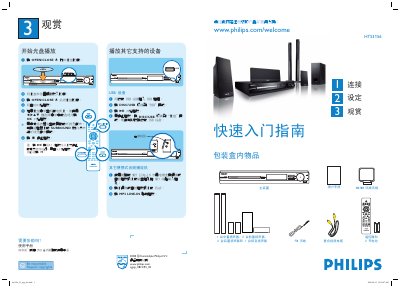
This guide explains how to connect the HTS3156 home theater system to a TV, set up speakers, and start playback from CDs, USB devices, or external audio sources. It covers speaker placement, antenna connections, and basic playback controls such as opening the disc tray, selecting surround mode, and stopping playback.
Additional sections describe how to use the USB port, connect an MP3 player via the LINE‑IN cable, change the on‑screen language, and adjust audio/video settings. The manual also includes quick‑start steps for first‑time users and safety notes for proper installation. This manual is written in Chinese.
| Speaker configuration | 1 center, 2 front, 2 rear, 1 subwoofer |
|---|---|
| FM antenna impedance | 75 Ω |
| USB slot | Present |