
This manual introduces the basic operation methods of Philips DVD system HTS3568W. It includes connection, setup and viewing.
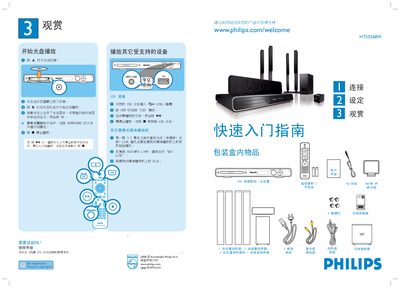
This guide explains how to set up the HTS3568W DVD home‑theater system, including unpacking, speaker placement, and connecting sources such as USB, HDMI, CVBS, and the AUX/MP3 LINK. It also details how to connect the wireless transmitter and power the unit.
Operating instructions cover using the remote control, selecting audio modes, adjusting options, and navigating DVD playback. The manual also includes troubleshooting tips and safety information. This manual is written in Chinese.
| Power source | AC mains |
|---|
Insert an HDMI cable between the main unit and the TV to obtain better picture and sound quality.
Insert a USB flash drive, then switch the source mode to “USB”.
Connect a 3.5 mm cable from the portable media player to the AUX/MP3 LINK socket on the unit.