
This manual introduces the use of Philips DVD Home Theater. It includes product features, connections, operation, sound adjustment, settings adjustment and other aspects.
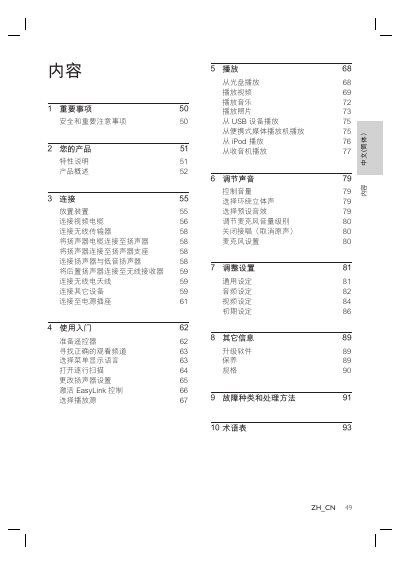
This manual provides step‑by‑step instructions for installing and using the Philips DVD Home Theater system. It includes safety warnings, product features, connection diagrams, and basic operation procedures such as playing discs, USB media, and radio.
Additional sections cover sound and picture settings, EasyLink HDMI‑CEC control, maintenance, specifications, and a troubleshooting guide for common issues like no sound or playback errors. This manual is written in Chinese.
| Total output power (home theater mode) | 1000W |
|---|---|
| Audio frequency response | 180 Hz ~ 18 kHz / ±3 dB |
| Audio signal‑to‑noise ratio | > 60 dB (A‑weighted) |
| Laser type | Semiconductor |
| Disc diameter | 12 cm / 8 cm |
Connect an HDMI cable from the unit’s HDMI OUT jack to the TV’s HDMI IN jack.
Press the AUDIO SYNC button, then use VOL + / ‑ to set the desired delay time.
Make sure the connected device supports HDCP and that the TV’s audio output is linked to the unit’s AUDIO input.