
This quick start guide introduces how to connect, set up and use Panasonic HTS9800W DVD/SACD Home Theater System.
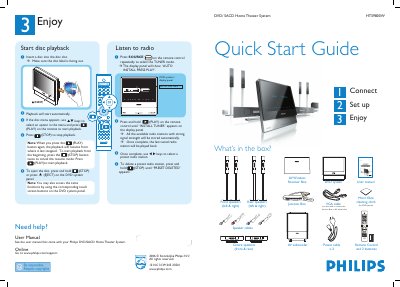
This guide walks you through the contents of the Philips HTS9800W Home Theater System package and shows how to connect the speakers, subwoofer, junction box, and AV wireless receiver. It also explains how to set up the TV viewing channel, select the system language, and perform the automatic radio station installation.
After the initial setup, the guide details basic playback functions such as inserting a disc, starting and stopping playback, and using the remote control to navigate menus. It includes speaker placement tips for optimal sound and troubleshooting pointers for wireless interference.
| Disc slot | Accepts DVD and SACD discs |
|---|---|
| Power cables | 2 pieces |
| VGA cable | Used to connect Junction Box to AV subwoofer |
Press and hold the STOP button until “PRESET DELETED” appears on the display.
Press the STOP button twice to cancel the resume mode, then press PLAY.
Use the TV remote’s CHANNEL DOWN button repeatedly until the blue DVD background appears.