
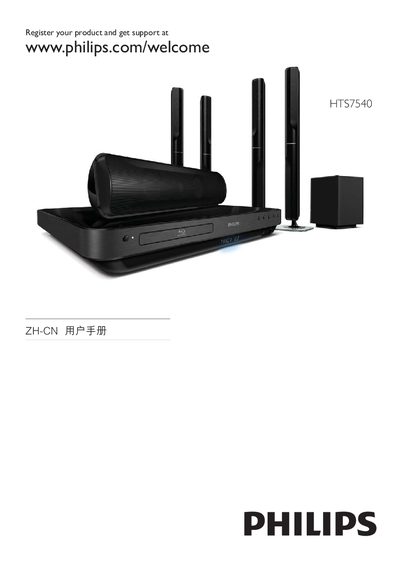
This document is about registering and getting support for the Philips HTS7540 3D Home Theater System. The product features high-quality audio and video output, supports 3D functionality, and provides a comprehensive home entertainment experience.
This manual guides you through registering your Philips HTS7540 TV, accessing support, and using core features such as EasyLink and HDMI CEC. It includes details on connecting external devices via HDMI, USB, and MP3 Link, as well as configuring audio settings like 5.1 surround sound.
The document also explains menu navigation, including the DISC/POP‑UP menu, subtitle options, and Bonus View/PIP functions. Safety notices, laser radiation warnings, and compliance information are provided at the end of the guide. This manual is written in Chinese.