
This is a Philips product manual, which contains the features and characteristics of the product.
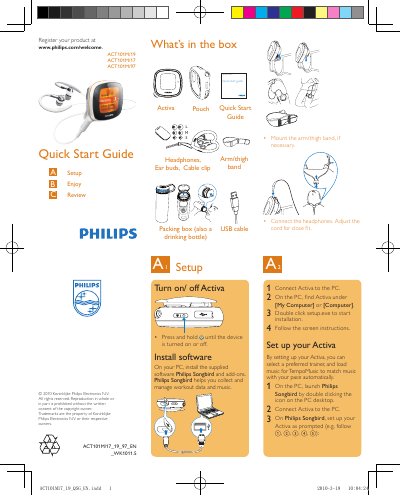
The guide begins with a list of items included in the box and instructions for mounting the arm/thigh band, connecting headphones, and adjusting the cord. It then explains how to turn the ACT101M on or off and how to install the Philips Songbird software on a PC.
After software installation, the guide walks the user through setting up the device, selecting a trainer, loading music, and recording workouts. It details how to start, pause, and stop a workout, view calories, time, and distance, and transfer workout data to a PC for further analysis.
Press and hold the Activa button until the device turns on or off.
Connect the ACT101M to the PC, launch Philips Songbird, and the workout data is automatically transferred.