
This is a document about the quick installation of Philips TV. The document describes the features and characteristics of the product, including wall mounting and VESA compliant mounting instructions, remote control operation instructions, power and antenna connection methods, etc.
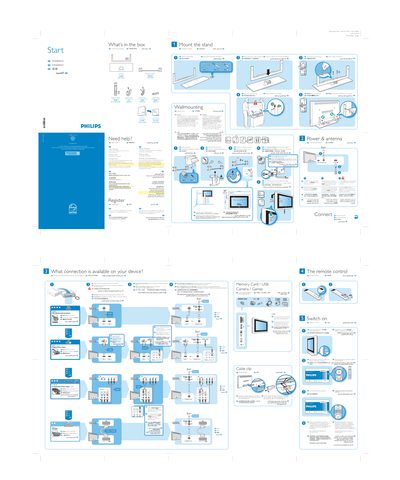
This Philips television quick start guide covers the supplied accessories, stand assembly, wall mounting, and cable connections. It includes safety guidance for wall mounting and instructions for connecting the antenna, power cord, and external devices.
The guide also explains remote control use, on-screen menu navigation, language selection, and the Settings assistant. It states that the TV automatically searches for and installs available channels during setup.
The box includes a stand kit, wallmount bracket, remote control, antenna cable, cable bracket, power cable, and User Kit.
Connect the antenna or cable signal to the ANTENNA input at the back of the TV, then connect the power cord to the MAINS inlet. Connect all cables or devices before plugging in the power and switching on the TV.
Yes. The TV automatically searches for and installs all available TV channels, and the Settings assistant helps set personal preferences.
The model and serial number are on the packaging label or on the back and bottom of the TV.