
Please read the instructions carefully before using the appliance and save them for future reference.
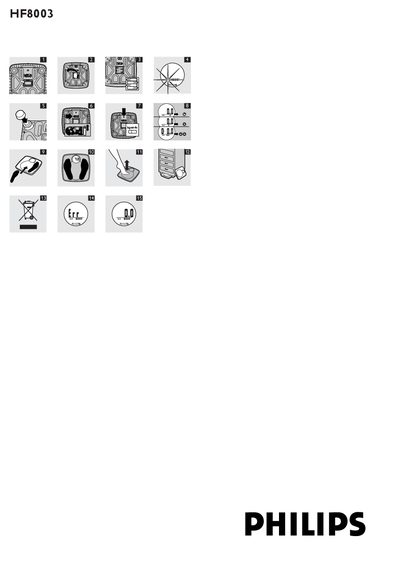
This manual explains how to set up and use the Philips HF8003 bathroom scale. It covers battery installation, attaching carpet feet for use on carpeted surfaces, selecting gravity zones, and choosing the preferred unit of measure (kg, st, or lb). Safety warnings and environmental disposal instructions are also included.
The guide details normal operation steps such as stepping on the scale, viewing the last measured weight, and cleaning the device. A FAQ section answers common issues like battery‑low indicators, error messages, and how to weigh a baby.
| Power source | Four LR6 AA 1.5 V batteries (included) |
|---|---|
| Maximum weight | 150 kg / 330 lb / 19 st |
| Minimum weight | 10 kg |
| Gravity zones | 1‑6 selectable zones |
| Units of measure | kg, st, lb |
The batteries may be empty, so you need to replace them.
The weight on the scale exceeds the maximum capacity of 150 kg (330 lb, 19 st).
First weigh yourself, then weigh yourself again while holding the baby; the difference is the baby’s weight.