
Philips 3104 315 7243.2 Television Installation Guide


Philips 3104 315 7243.2 Television Installation Guide - cover page
Brand
Philips
Category
Television
Document type
Installation Guide
Language
French
Pages
1
File format
PDF
File size
6.7 MB
Published
26 March, 2012
Updated
29 September, 2023
MD5 checksum
28880629D375ED41DCE6604B270FF059

About this manual

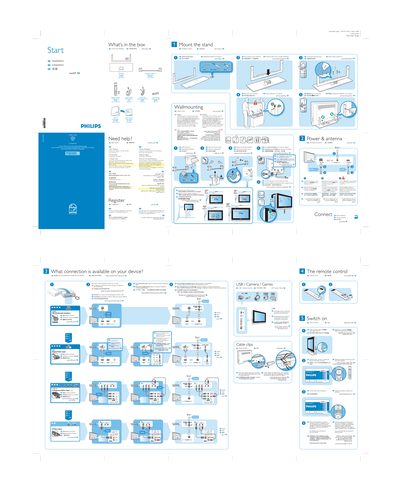
This guide provides instructions for mounting the TV on a stand or wall bracket. It covers collecting parts, securing the TV, connecting cables, and setting up the device. Safety warnings are included for proper installation.

The guide also explains how to connect various devices using HDMI, USB, or component video cables, and how to use the remote control to navigate the installation menu. This manual is written in French.

What's inside

  • Mount the stand
  • Wallmounting
  • Connect the antenna or cable
  • Connect all cables or devices
  • Use the cable clip to bundle all cables
  • Lift and secure the TV in the wallmount bracket
  • Select input in the Installation menu
  • Use the cursor up/down to select your choice in the menu on screen
  • Follow the instructions on screen to proceed with the TV installation
  • Set your personal TV preferences

Frequently asked questions

What connection is available on your device?

The TV supports HDMI, USB, component video, and antenna connections.

How do I connect the TV to the wall mount?

Mount the frame on the 2 metal pins, fix it with screws, and then lift and secure the TV in the wallmount bracket.

What safety precautions should I take when mounting the TV?

Wallmounting the TV requires special skills. Ensure the wall mount is fixed securely, meeting safety standards according to the TV’s weight.

Download PDF (6.7 MB)

More Philips Manuals


View all Philips manuals →