
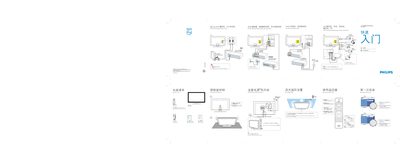
This manual provides an overview of the items included in the box, such as the remote control, batteries, mains cord, quick‑start guide, and user manual. It also outlines safety precautions, like disconnecting the mains before connecting devices and removing the swivel lock.
The guide explains how to connect external devices (HDMI, DVD, Blu‑ray, game consoles, PC) and set up features such as Ambilight, language selection, and input source navigation. Installation steps for first‑time use are also covered.
| Ambilight optimal distance | 10–20 cm |
|---|---|
| PC monitor refresh rate | 60 Hz |
Place the TV 10 to 20 cm away from the wall for the best Ambilight effect.
Set the PC monitor refresh rate to 60 Hz before connecting it to the TV.
Press the ‘a’ or ‘¥’ key on the remote, then press OK to confirm your language choice.