
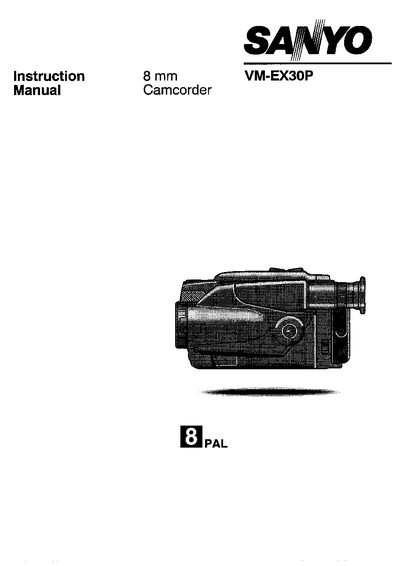
This manual covers safe handling of the Sanyo VM-EX30P camcorder, including precautions against condensation, proper storage, and protection from environmental hazards. It also lists the supplied accessories, explains the functions of each camcorder part, and provides step‑by‑step instructions for recording, playback, and basic operation.
Battery management, charging procedures, indicator meanings, and a troubleshooting guide are detailed, along with warranty information for the United Kingdom and Republic of Ireland markets.
| Zoom | 10x power zoom |
|---|---|
| Focus System | Full range auto focus |
| Exposure | Auto exposure |
| White Balance | Auto white balance |
| Preset Modes | 6 Preset modes |
| Remote Control | Infrared remote control with a 2.2 inch colour LCD monitor |
| Stand‑by Switch | Present |
When condensation is detected inside the camcorder, warning indicator (A) flashes in the viewfinder, and a second indicator (B) may flash on the cassette.
Install the battery pack on the AC adaptor/charger, plug the adaptor into an AC outlet, and the CHARGE indicator lights while the pack recharges automatically.
Eject the cassette and let the camcorder sit for 1–2 hours to dry; you can also wrap it in a cloth until fogging disappears.