
DCR-PC7 Digital Video Camera Recorder Operating Instructions
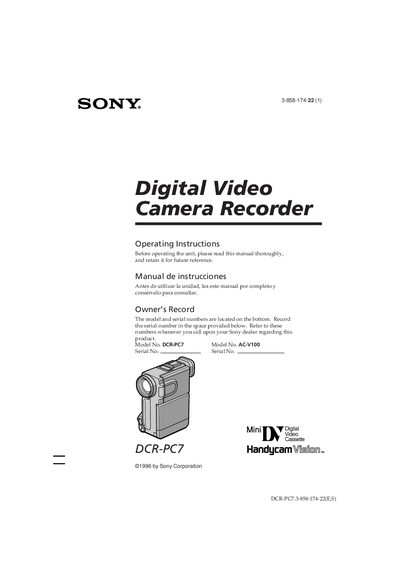
This manual introduces the Sony DCR‑PC7 Handycam Vision camcorder, covering safety precautions, supplied accessories, and basic handling. It explains how to charge and install the NP‑F100/NP‑F200 InfoLITHIUM battery pack, insert video cassettes, and operate the camera in various shooting modes.
The guide also details advanced functions such as alternative power sources, exposure lock, white‑balance adjustment, and audio dubbing, plus maintenance tips, battery‑life information, and a trouble‑check section to help resolve common issues.
Connect the AC power adaptor, attach the battery pack hooks, plug the cord into a wall outlet, and watch the CHARGE lamp; it turns off when a normal charge is complete.
A slow flashing indicator means the battery is weak, while a fast flashing indicator means the battery is dead and needs replacement or recharge.
The warning indicator will flash; you should replace the tape or stop recording before the tape runs out.