
This is a manual for the Sony DCR-TRV120/TRV320 digital camcorder. It introduces the features and usage of the camcorder.
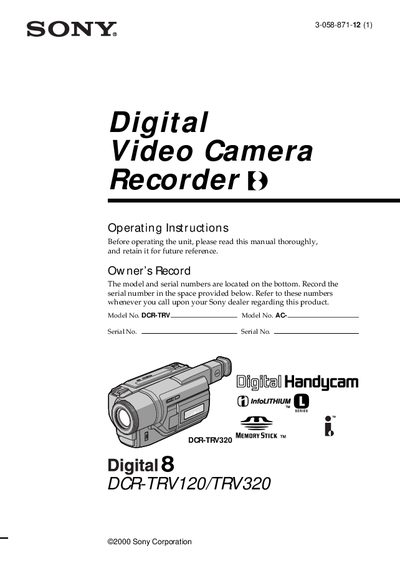
This manual covers the Sony DCR-TRV120 and DCR-TRV320 Digital8 Handycam camcorders. It explains how to prepare the power supply, insert a cassette, record and play back pictures, and use advanced recording and playback features.
The DCR-TRV320 includes Memory Stick operations such as Memory Photo recording, MEMORY MIX, photo save, memory photo playback, slide show, image protection, deleting images, and print mark. Additional topics include i LINK, lithium battery replacement, troubleshooting, self-diagnosis displays, warning indicators, using the camcorder abroad, maintenance, and specifications.
| Trade name | SONY |
|---|---|
| Responsible party | Sony Electronics Inc. |
| FCC compliance | Part 15 of the FCC Rules |
| Battery pack | NP-F330 |
| Lithium battery | CR2025 |
This manual covers the Sony DCR-TRV120 and DCR-TRV320 Digital8 Handycam camcorders.
No, Memory Stick operations are available on the DCR-TRV320 only.
The NP-F330 battery pack is supplied.
The model and serial numbers are located on the bottom of the unit.