
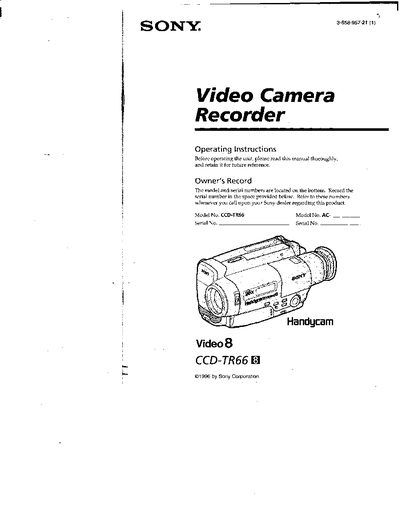
This manual provides the operating instructions for the Sony CCD-TR66 Handycam camcorder. It includes safety warnings, a list of supplied accessories, and detailed steps for charging and installing the battery pack, inserting a cassette, and basic recording functions. Advanced features such as alternative power sources, date/time recording, and back‑lighting are also covered.
Additional sections describe maintenance, troubleshooting indicators, specifications, and an index for quick reference. The guide is intended for end users to safely operate the camcorder and achieve optimal video quality.
| Battery pack charging time (NP-33) | 45 minutes |
|---|---|
| Battery pack typical recording time (NP-33) | 45 minutes |
| Battery pack continuous recording time (NP-33) | 85 minutes |
| Battery pack charging time (NP-98/98D) | 215 minutes |
| Battery pack typical recording time (NP-98/98D) | 70 minutes |
| Battery pack continuous recording time (NP-98/98D) | 300 minutes |
| Battery pack charging time (NP-80/80D) | 190 minutes |
Connect the supplied AC power adaptor, align the battery pack with the adaptor, slide it in, set the selector to CHARGE, and the orange CHARGE lamp will light up while charging.
A slow‑flashing battery indicator means the battery is weak, while a fast‑flashing indicator means the battery is dead.
Slide the battery pack in the direction of the arrow and then pull the lower part of the pack to remove it.