
This manual describes the operation of the SONY DCR-TRV720/TRV820 digital video camera recorder.
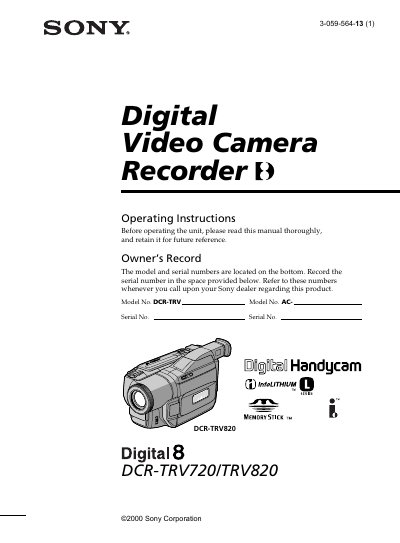
This manual provides detailed operating instructions for the Sony DCR-TRV720 and DCR-TRV820 Digital Video Camera Recorders. It includes safety warnings, setup steps, battery handling, and troubleshooting guidance to help users capture and view video recordings.
The document is organized into quick start guides, accessory checks, recording and playback procedures, memory‑stick usage, printing (for the TRV820), specifications, and a troubleshooting section. It also contains FCC and Canadian compliance statements and disposal instructions for lithium‑ion batteries.
| Battery pack model | NP-F330 |
|---|---|
| Power adaptor model | AC-L10A/L10B/L10C |
| Lithium backup battery | CR2025 |
Open the cassette compartment, press EJECT, then insert the cassette with the window facing out and the write‑protect tab up.
Connect the supplied AC power adaptor to the camcorder and follow the charging instructions in the manual.
Return the battery to the nearest Sony Service Center or dispose of it according to the provided disposal instructions.