
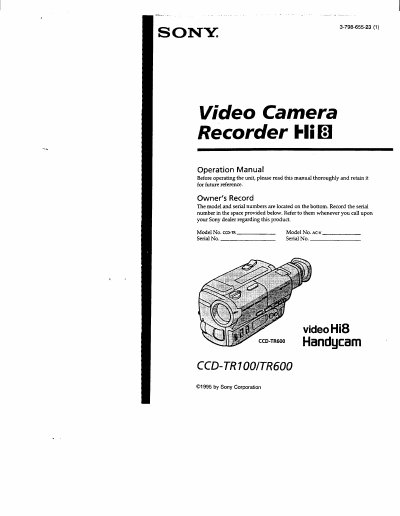
This manual explains how to set up and operate the Sony CCD-TR100/TR600 Handycam camcorder. It covers checking the model number, supplied accessories, battery charging, basic and advanced functions, and maintenance information.
Safety warnings, battery handling, and troubleshooting tips are included, along with specifications and part identification. The document also details remote commander usage and various playback and recording options.
Connect the power cord to a wall outlet, align the battery pack with the line on the AC power adaptor, and slide it in the direction of the arrow.
The camcorder comes with a wireless remote commander, NP-55 battery pack, AC power adaptor, CR2025 lithium battery, AA batteries for the remote, shoulder strap, connecting cables, tripod adaptor, and a shading cover for the CCD-TR600 model.