
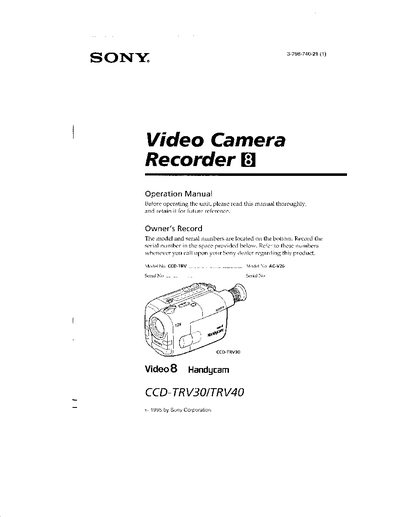
Sony CCD-TRV30/40 Camcorder Operation Manual


Sony CCD-TRV30/40 Camcorder Operation Manual - cover page
Brand
SONY
Category
Camcorders
Document type
User Manual
Language
English
Pages
29
File format
PDF
File size
3.8 MB
Published
24 March, 2012
Updated
29 May, 2012
MD5 checksum
B823EC749B4DEA01A8367A9094DDC562

About this manual

This manual covers the Sony CCD-TRV30 and CCD-TRV40 Handycam camcorders. It explains how to charge and install the supplied NP‑66 battery pack, insert and eject cassettes, and use the remote commander and accessories that come with the unit.

The guide walks you through basic operations such as recording, zooming, LCD and viewfinder use, as well as advanced features like steady‑shot, picture effects, and using external power sources. Maintenance tips, battery‑life recommendations, and a trouble‑check section help keep the camcorder running reliably.

What's inside

  • Before You Begin
  • Getting Started
  • Basic Operations
  • Advanced Operations
  • Charging and Installing the Battery Pack
  • Inserting a Cassette
  • Additional Information
  • Maintenance Information and Precautions
  • Trouble Check
  • Specifications

Frequently asked questions

How do I reset the tape counter?

Press the COUNTER RESET button located behind the LCD panel to set the tape counter back to zero.

Download PDF (3.8 MB)

More SONY Manuals


View all SONY manuals →