
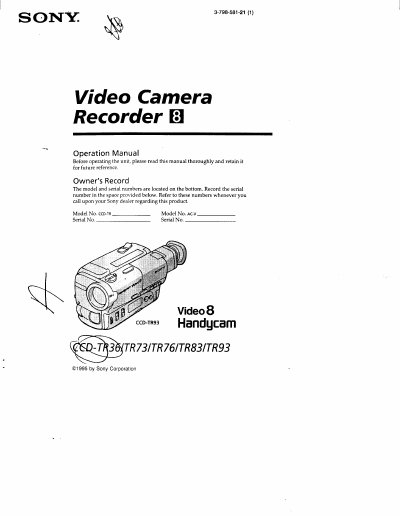
This manual guides users through safety warnings, supplied accessories, and the steps to charge and install the battery pack, as well as basic camera functions such as recording, zoom, and playback. It also explains how to use the viewfinder, set the date and time, and handle cassette insertion.
Advanced sections cover alternative power sources, picture effects, steady shot, and other model‑specific features. The document finishes with maintenance tips, warning indicator meanings, a trouble‑shooting checklist, and a specifications summary.
Connect the supplied AC power adaptor, align the battery pack with the adaptor, slide it in, set the selector to CHARGE until the orange lamp lights, then wait for the lamp to go out before removing the pack.
A slow flashing indicator means the battery is weak, while a fast flashing indicator means the battery is dead.