
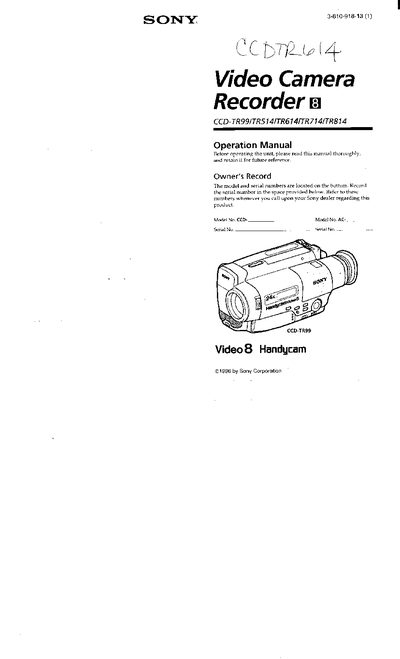
This manual covers five Sony Handycam camcorder models (CCD‑TR99, TR514, TR614, TR714, TR814). It explains safety precautions, accessory checks, battery charging, and basic camera functions such as recording, zoom, and playback.
Later sections describe advanced features like steady‑shot, date/time recording, and programming functions, followed by specifications, part identification, warning indicators, and a trouble‑check guide.
| Charging time (NP‑33 battery) | approx. 60 minutes |
|---|---|
| Typical recording time (CCD‑TR99) | 40 minutes |
| Continuous recording time (CCD‑TR99) | 75 minutes |
Connect the supplied AC power adaptor, set the selector to CHARGE, and wait until the CHARGE lamp turns off, indicating the battery is fully charged.
A slow flashing battery indicator means the battery is weak.
Disconnect the power source and contact your Sony dealer or an authorized service center.