
Introduces the basic functions and usage methods of the Z340 digital camera
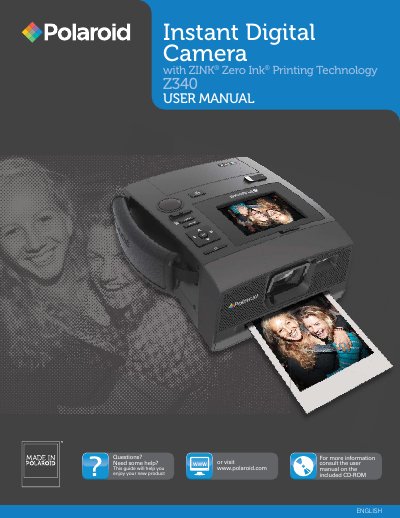
This manual introduces the Polaroid Z340 Instant Digital Camera, describing its ZINK® printing technology, key features, and required accessories. It guides users through safety precautions, battery handling, memory management, and basic operation of the camera and built‑in printer.
The document also covers detailed button functions, LCD navigation, memory card usage, printing procedures, technical specifications, and a troubleshooting section to resolve common issues such as power, memory, and print errors.
| Sensor | Sunplus 14MP CCD |
|---|---|
| Lens | 7.53 ± 5% mm |
| Digital Zoom | 5× |
| LCD Monitor | 2.7" Color LCD |
| Internal Memory | 30 MB flash memory |
| External Memory | SD up to 4 GB, SDHC up to 32 GB |
| Battery Capacity | Up to 25 prints per charge |
| Dimensions | 65 × 155 × 127.5 mm |
| Weight | 620 g (including battery) |
| Paper Size | 3" × 4" Polaroid ZINK® Paper® |
| Print Time | Less than 60 seconds |
Press the Power button to turn the power on or off.
The camera supports SD cards up to 4 GB and SDHC cards up to 32 GB.
The battery allows up to 25 prints per charge.
Printing takes less than 60 seconds.