
This document provides solutions for troubleshooting Polaroid Pogo 2 printer, including issues such as streaks on printed images and paper jams
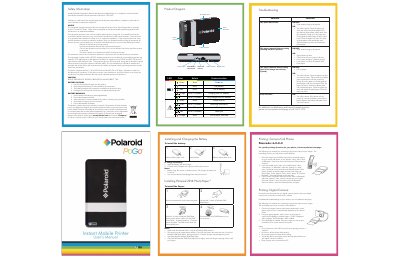
This guide provides step‑by‑step solutions for common problems with the Polaroid Pogo Photo Printer, including paper jams before and during printing, battery replacement, and charging procedures. It also explains how to connect cameras or phones via Bluetooth and how to use the printer’s features such as date stamping.
Additional sections cover safety information, battery cautions and warnings, and detailed instructions for installing Polaroid ZINK Photo Paper. Users will find clear diagrams of the printer’s components and contact information for further support.
| Battery charging time | 2.5 hours |
|---|---|
| Paper pack size | 10 sheets |
Turn off the printer, open the paper tray door, remove the photo paper, reload it correctly, and close the tray.
Install the battery, connect the AC adapter to the printer and a power source, and charge for about 2.5 hours.