
This is a user manual for Polaroid t1235 digital camera
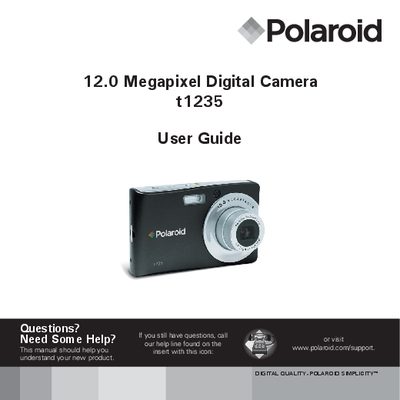
This guide helps you get started with your Polaroid t1235 digital camera, covering safety precautions, battery handling, and basic camera features. It includes information on the camera’s buttons, LCD screen layout, and menu navigation.
Detailed sections walk you through recording photos, videos, and voice memos, using playback functions, adjusting settings, installing software on a computer, and connecting the camera to a TV or printer. The manual also contains troubleshooting tips, FCC compliance details, and technical specifications.
| Megapixels | 12.0 |
|---|---|
| Part Number | UMT1235UCUS001 |
Insert the battery as described in the Getting Started section.
Use the instructions in the Making Connections section to connect the camera to a TV.
Visit the support page at polaroid.com/support for assistance.