
This document is the user guide for the Polaroid i531 digital camera, which introduces the camera's functions and usage methods.
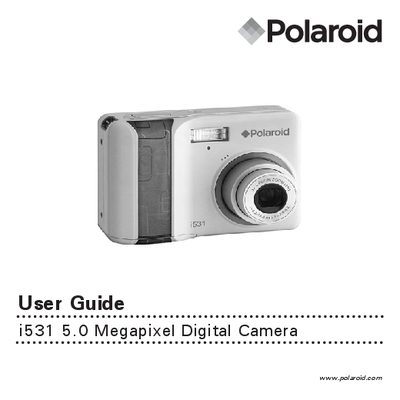
This guide introduces the Polaroid i531 digital camera, highlighting its 5.0‑megapixel CCD sensor, 2.5‑inch TFT LCD, glass lens with 3× optical and 4× digital zoom, and built‑in flash with five modes. It also lists the package contents, battery type, and optional accessories such as the wrist strap and hand grip.
The manual walks users through getting started, camera settings, picture and video capture, audio recording, media management, printing, SD‑card usage, software installation, file transfer, troubleshooting, and regulatory information. Detailed step‑by‑step procedures are provided for tasks like attaching the wrist strap, inserting batteries, using zoom, and reinstalling the hand grip.