
This is a user guide for the 12.0 Megapixel Digital Camera i1237. It provides detailed information about the features and functions of the product.
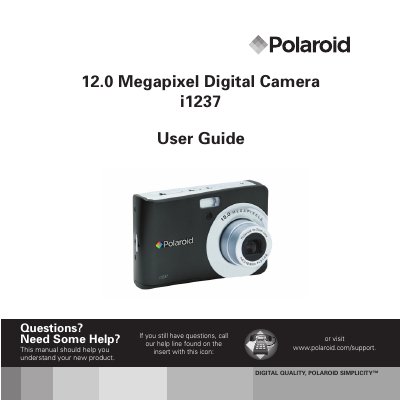
This manual guides you through the safe handling, basic setup, and operation of the Polaroid i1237 digital camera. It includes safety precautions, battery installation, and an overview of the camera’s features such as 12‑megapixel resolution, optical zoom, and LCD display.
Detailed sections cover recording photos, videos, and voice memos, playback functions, photo editing tools, and menu settings. The guide also explains how to connect the camera to a TV, PC, or printer, install accompanying software, and provides troubleshooting tips and full specifications.
| Sensor | 12 Megapixels CCD, Size: 1/2.3" |
|---|---|
| Lens focal length | 6.2 – 18.6 mm, 3× optical zoom, 5× digital zoom |
| LCD display | 2.7" color LCD |
| Focus range | Normal: 80 cm‑∞, Macro: 5 cm‑100 cm, Tele: 30 cm‑100 cm |
| Aperture | F = 3.0 – 5.6 |
| Shutter speed | Auto: 1‑1/2000 s, Manual: 8‑1/2000 s |
| Video format | AVI (MJPEG) |
Turn off the camera before installing or removing batteries and use only the provided batteries, inserting them correctly.
The camera supports SD cards up to 4 GB and SDHC cards up to 32 GB.
Select "Reset All" in the Setup Menu to restore the default settings.