
This manual introduces the features and characteristics of the tablet and describes how to set up, use, and maintain the tablet.
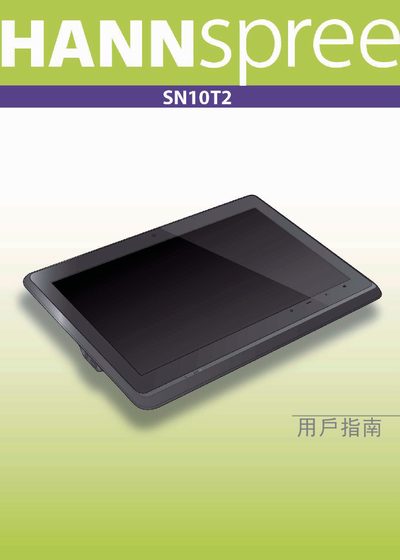
This manual covers the basic operation of the Hannspree SN10T2 tablet, including power‑on/off procedures, button functions, and safety warnings. It also explains how to navigate the Android interface and use the built‑in features such as Wi‑Fi and microSD storage.
Technical details such as the 10.1" TFT LCD display, 512 MB RAM, 8 GB eMMC storage, and supported connectivity options are listed, along with power requirements and battery charging information.
| Display size | 10.1" |
|---|---|
| Display resolution | 1024 x 600 |
| RAM | 512 MB LPDDR2, 200 MHz |
| Internal storage | 8 GB eMMC |
| Battery input | 5 V, 2 A, 10 W |
Select the Power off option and confirm with OK; the device will shut down.
The tablet includes 8 GB of eMMC internal storage and supports a microSD card via the MicroUSB port.