
This document provides a quick start guide for the F621-15A1 15-inch LCD TV and instructions for adjusting menu settings. It includes information on using other devices, comprehensive functions, contrast, sound quality settings, and TV settings.
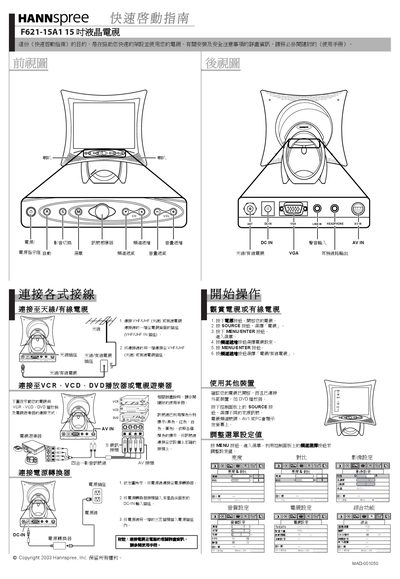
This Quick Start Guide helps you set up and start using the Hannspree F621-15A1 15‑inch LCD TV. It includes safety notes, power‑on procedures, and basic OSD adjustments.
The guide shows how to connect an antenna or cable, link external devices such as VCR, DVD or game consoles, and adjust picture and audio settings using the control panel.
| Screen size | 15 inches |
|---|
Connect one end of the VHF/UHF antenna or CATV cable to the ANT jack on the back of the TV.
Press the POWER button on the TV to turn it on.
Press the SOURCE button on the control panel to choose the desired source.