
This document is a quick start guide for a 15-inch LCD TV. The document provides instructions for the installation and setup of the TV, as well as explanations of the various features and buttons on the TV.
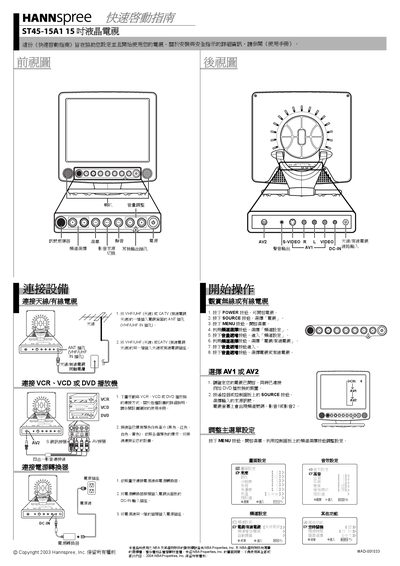
This Quick Start Guide helps you set up the Hannspree ST45-15A1 15‑inch LCD TV. It covers connecting the power adapter, antenna or cable, and external video sources such as VCR, VCD, or DVD players.
The guide also explains how to turn the TV on, select the TV source, open the on‑screen display (OSD) menus, and adjust picture and audio settings using the remote control.
| Screen size | 15 inches |
|---|
Press the POWER button to turn on your TV.
Press the SOURCE button to select "TV".
Connect the color‑coded video cables to the AV1 or AV2 inputs as shown in the illustration.