
This is an Olympus digital camera user manual, which introduces basic camera operations, photography, video shooting, playback, sending, receiving, printing, setting and other contents
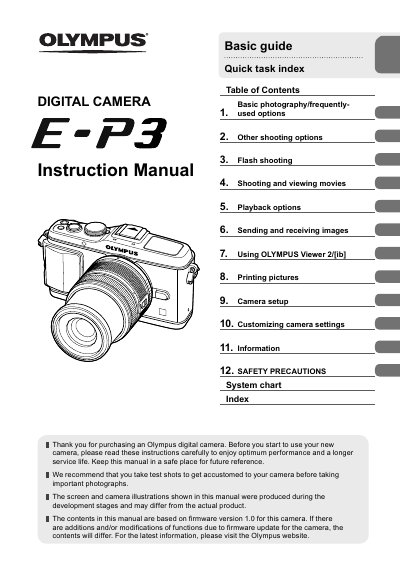
This manual guides you through unpacking the camera, installing the battery and memory card, and attaching lenses. It explains how to power the camera on, set the date and time, and customize shooting settings.
Additional sections cover basic photography options, flash shooting, movie recording, playback, image transfer, and printing. Safety precautions, system charts, and an index are also included for quick reference.
| Battery type | Lithium ion |
|---|---|
| Compatible chargers | BCS-1 for BLS-1 batteries; BCS-5 for BLS-5 batteries |
| Supported memory cards | SD, SDHC, SDXC, Eye‑Fi |
Remove the body cap and lens rear cap, align the red lens‑attachment mark on the camera with the red alignment mark on the lens, insert the lens, and rotate it in the direction of the arrow until it clicks.